Most people do not trust an AI calling agent until they have actually heard one talk.
Reading about latency numbers or accent handling on a landing page does not answer the one question that actually matters: will this sound convincing enough that my customers do not hang up?
This guide is built around that question. No sales deck - just how to actually test a voice AI tool yourself, on your own phone, before you decide anything.
Can Customers Really Not Tell It Is AI?
Skepticism here is fair. Most people's mental model of a "calling bot" is the flat, robotic IVR voice that reads options off a script, or the awkward half-second-delay chatbot that makes it obvious within the first sentence that you are not talking to a person.
A modern AI calling bot built on the four-layer stack (speech-to-text, LLM reasoning, text-to-speech, and telephony) sounds different specifically because it is not reading from a script. It generates a live, contextual response based on what the caller just said, in the caller's own mix of languages - instantly.
What Real Binate Calls Actually Sound Like
Binate publishes real call recordings rather than just describing the experience. These are production calls across active customer deployments, covering situations like:
- A diagnostic centre agent confirming a scan slot and asking about fasting requirements, in Malayalam.
- An Ayurveda hospital agent explaining a Panchakarma treatment package in a natural Malayalam-English mix (Manglish).
- An AV equipment company representative following up on a quotation, code-switching between Malayalam and English mid-sentence.
- An education enrollment agent confirming a student's interest in an upcoming course batch, entirely in Manglish.
Across all live production calls, Binate records a 96.6% call completion rate - meaning the overwhelming majority of calls run to a natural conclusion rather than the caller hanging up mid-conversation. That is a more honest signal than a studio-polished demo video, because a completion rate is measured across every real call the system handles at volume.
The best way to judge this for yourself is not a stat on a page. It is hearing the samples directly, or better, placing a live test call yourself.
A 96.6% call completion rate means callers are not hanging up in frustration the moment they realize they are speaking to AI. That is the real benchmark of a production-quality voice agent.
Top 3 Scenarios Worth Testing First
Not every use case tests the same thing. If you are evaluating a voice AI tool for your own business, these three scenarios stress different layers of the system and are worth testing specifically:
1. Inbound Clinic or Receptionist Call
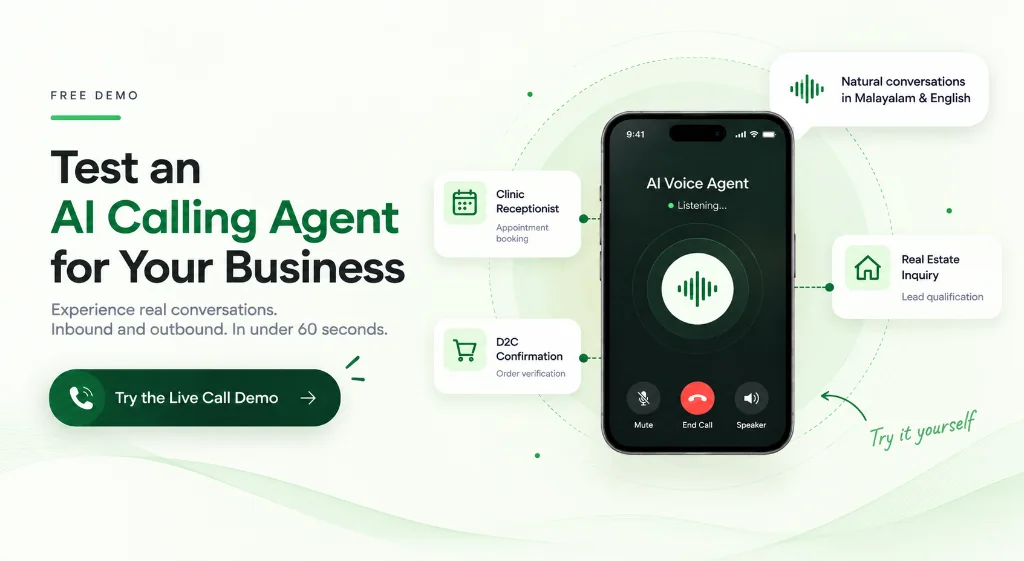
Call in as a patient or customer asking for an appointment. This tests how naturally the agent handles an open-ended question, checks live calendar availability, and books a confirmed slot - the exact flow our AI appointment booking for clinics and healthcare use case is built around.
What to listen for: Does the agent ask logical follow-up questions (preferred doctor, time of day, reason for visit)? Does it confirm the booking immediately and sound natural doing it?
2. Outbound Lead or Order Follow-Up Call
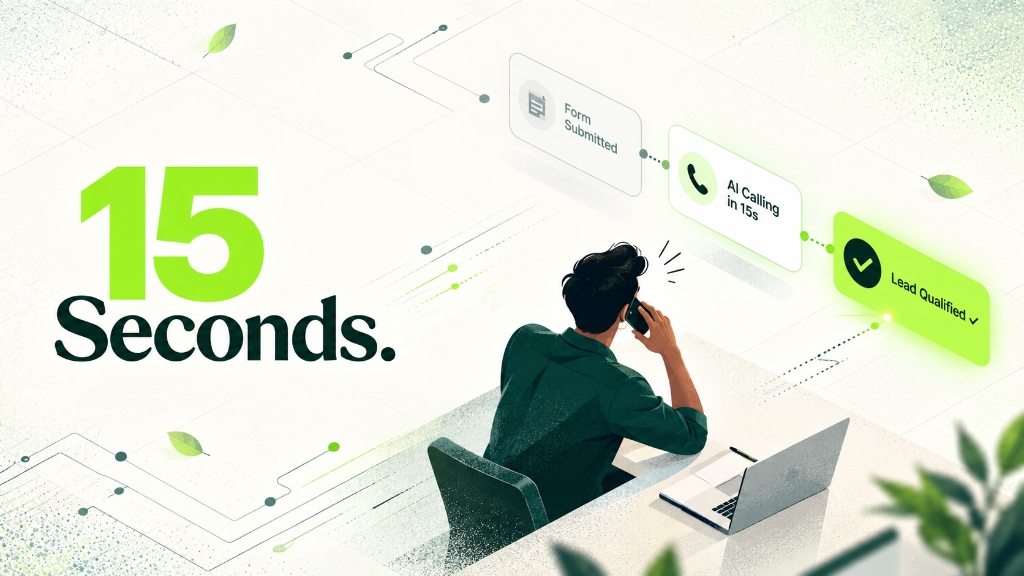
Have the agent call you back after a simulated form submission or order. Test how it handles a quick confirmation, digs into a follow-up question, or navigates a light objection. This is the primary flow used by sales and D2C customers running AI calling agents for lead qualification, where conversational speed and natural back-and-forth matter more than script length.
What to listen for: Does the response come back within 800ms? Does it handle a curveball (wrong language, an unexpected question, a "let me think about it") without breaking the conversation?
3. Inquiry Qualification for a Considered Purchase
Real estate, education, and high-consideration categories need an agent that can ask a few qualifying questions (budget, location, timeline, intent) without sounding like it is reading from a checklist. Deliberately give vague or indirect answers and see whether the agent adapts or falls apart.
What to listen for: Does the agent hold the thread of the conversation after two or three non-direct answers? Does it sound patient and human, or does it mechanically repeat the same question?
How to Test Binate's Voice Agent Yourself
You do not need a sales call or a credit card to hear this working. Here is the actual path:
Step 1: Visit /live-demo   ──▶  Hear a real agent handle a call, no account needed
Step 2: Build free agent   ──▶  Set persona, language (Malayalam/English/Manglish), and flow
Step 3: Connect a number   ──▶  Use your existing line or a test number (no hardware required)
Step 4: Place a test call  ──▶  Hear the agent respond live on your own mobile phone
Step 5: Go live when ready ──▶  Activate calling only when satisfied - no lock-in
Try the Live Voice Demo now - no account required, hear a real conversation in under 60 seconds.
The Full Self-Serve Build Loop (Free)
If you want to test against your own business scenario rather than a generic demo, use the no-code agent builder at voice.thebinate.in/signup:
- Set a persona - name, business context, tone, and conversation objective (inbound receptionist, outbound lead qualifier, order verification).
- Choose language - Malayalam, English, Manglish, or a custom multi-language blend.
- Define a basic conversation flow - the questions to ask, how to handle objections, where to book or escalate.
- Connect your number - point the agent at your existing business phone number. No new hardware, no SIP configuration.
- Place the call - the live test call itself takes under a minute to judge whether it sounds right for your customers.
Building and testing costs nothing. You only pay once you decide to go live - starting from a ₹3,000 wallet recharge under Binate's Pay As You Go plan at ₹9/min, with no monthly lock-in required.
The full "build, test, and go live" loop is designed to take minutes, not a scheduled onboarding call with a vendor account manager.
What the Numbers Actually Mean: Reading Past the Demo
When you are testing, it helps to know what benchmark performance looks like so you can calibrate your judgment:
| Performance Metric | Generic Bot Benchmark | Production Voice AI Benchmark |
|---|---|---|
| Call completion rate | 40-60% (high drop-off from frustration) | 96.6% (Binate live benchmark) |
| Response latency | 1.5-3.5 seconds (obviously robotic) | Sub-800ms (feels conversational) |
| Language code-switching | Often breaks on Malayalam-English mix | Native Manglish handling |
| Calendar booking accuracy | Frequent slot hallucinations | Atomic calendar sync (no ghost bookings) |
| Background noise handling | Struggles with street/shop noise | Trained on Indian mobile conditions |
For the technical breakdown of how a four-layer voice stack produces these outcomes, see How We Built Malayalam Voice AI Infrastructure.
What Happens After the Demo: Talking to Binate's Team
If the self-serve demo convinces you it is worth a closer look for your specific business context (multiple branches, custom CRM routing, high call volume, or enterprise telephony requirements), the next step is a short strategy call with Binate's team - not a long, multi-week sales process.
That conversation covers:
- Your current call volume and where leads or bookings are currently slipping through.
- Which plan fits your volume - Pay As You Go, Starter (₹9,000/month, 1,500 minutes), Growth (₹18,000/month, 3,500 minutes + WhatsApp integration), or a custom Enterprise setup.
- What your CRM, calendar, and phone number integration looks like in practice, from day one.
Because the underlying agent is already built and latency-tuned for Indian networks, this conversation is about configuration and fit - not a multi-week scoping exercise.
To understand the broader context of why Indian businesses need a localized calling solution specifically, read our guide on AI Voice Calling Agents in India, or explore how modern AI agents compare to the IVR systems your business may already be running on: Voice AI vs. Traditional IVR.
You can also quantify your missed-call revenue gap before the call using the Missed-Call Revenue Loss Calculator.
Ready to build your own?
Set up your custom AI calling agent free in under 10 minutes. Choose your language, configure your flow, and test a live call on your mobile phone before you pay a rupee.
Get Started Free →Frequently Asked Questions
Yes. The live demo at thebinate.in/live-demo is accessible without signing up or providing payment details. You can hear a real agent handle a multilingual Indian customer conversation in under 60 seconds.
Using Binate's no-code builder, you can set up a custom persona, choose your language (Malayalam, English, Manglish), configure a basic conversation flow, and test a live call on your mobile phone in under 10 minutes. No engineering or credit card required.
A well-tuned voice AI agent should achieve 90%+ call completion rates on production calls. Binate's live production benchmark is 96.6% across active deployments. For comparison, traditional robotic IVR menus typically see 40-60% completion rates due to caller frustration from rigid scripts.
The three most revealing test scenarios are: (1) inbound appointment booking (tests calendar integration and natural question-handling), (2) outbound lead qualification call (tests response speed, back-and-forth handling, and objection navigation), and (3) inquiry qualification for a high-consideration product like real estate or education (tests how the agent adapts to vague or indirect answers).
Testing and building is free with no credit card required. To go live with outbound or inbound calling, you top up a wallet from Rs. 3,000 under the Pay As You Go plan at Rs. 9 per minute, with zero monthly lock-in. Starter and Growth monthly plans are available for higher call volumes.